![3.svg]](https://help.redpocket.com/hubfs/3.svg)
International roaming is included with RedPocket Mobile GSMA plans. Roaming is not available on CDMA and GSMT at this time. The Essentials, Plus, and Premium plans each include roaming to over 60 countries, and roaming balances vary by plan. When you need more, you can add roaming credit.
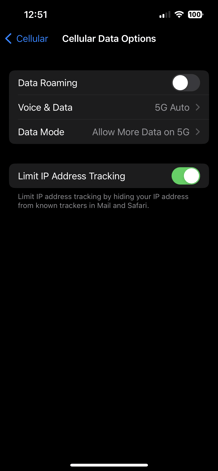
Enable roaming on your iPhone
-
Go to Settings.
-
Tap Cellular.
-
Tap Cellular Data Options.
-
Enable Data Roaming.
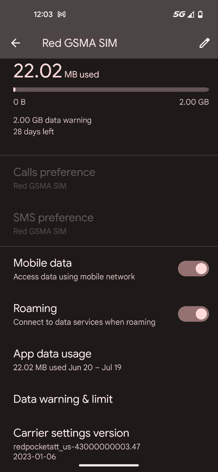
Enable roaming on your Android phone
Setting titles vary by manufacturer. For example, the Mobile Data section may be labeled "Connections," "Internet," or "Mobile Data" depending on your device (Samsung, Google Pixel, Motorola, etc.).
-
Go to Settings.
-
Tap Connections.
-
Tap Mobile Networks.
-
Enable Roaming.